 CamTrack
Image-based movement analysis
See movement.
Measure change.
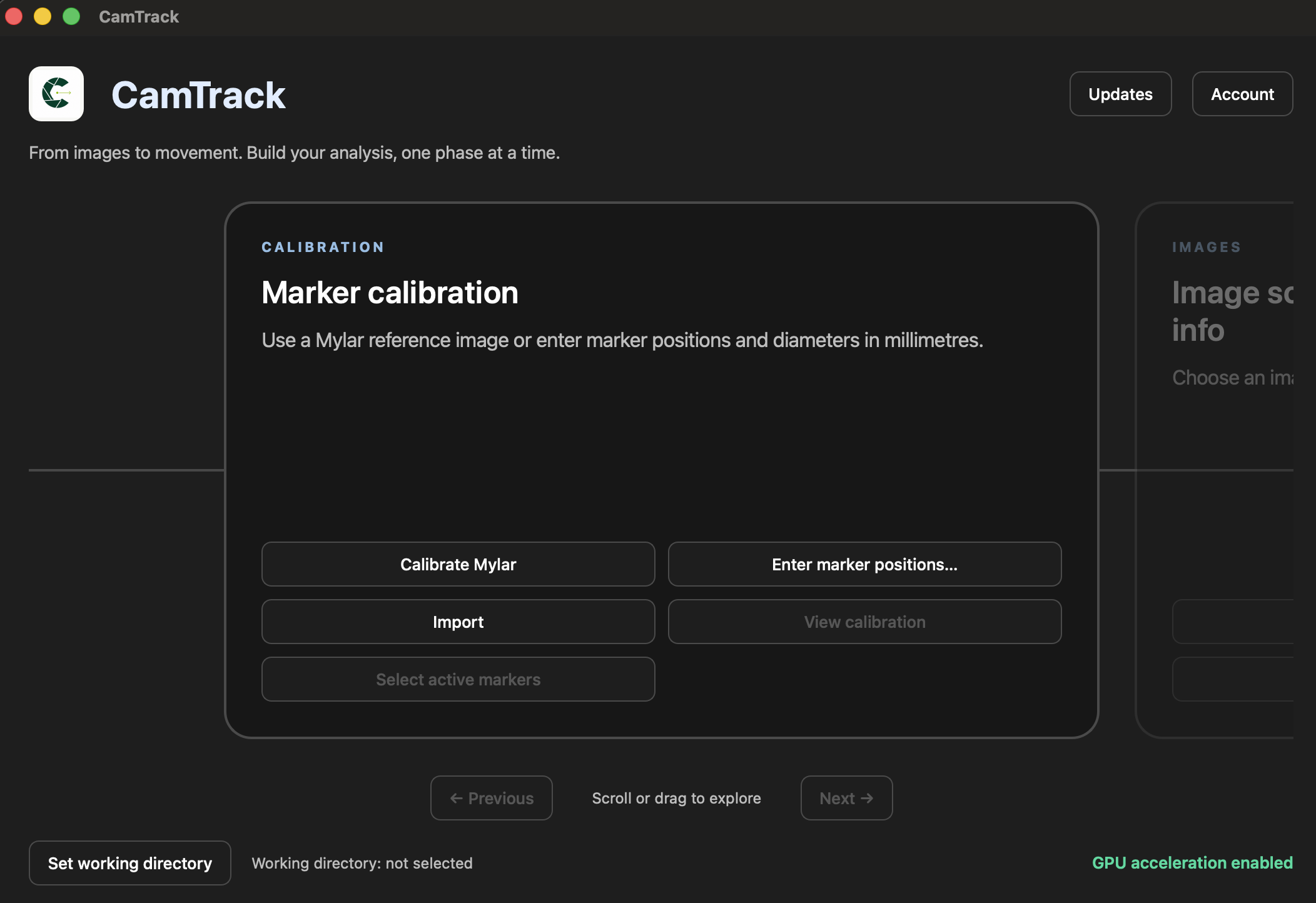
Turn your image sequences into meaningful measurements. CamTrack brings calibration, tracking and analysis together in one guided desktop workflow.
Get startedFor Windows and Mac · Your images stay on your computer
One connected workflow
CalibrationMarker trackingPIV analysisDisplacement & strainFrom frames to findings
Keep the whole
picture in view.
Move through each stage with a clear next step, then return to review your setup and results.
- 01
Set your reference
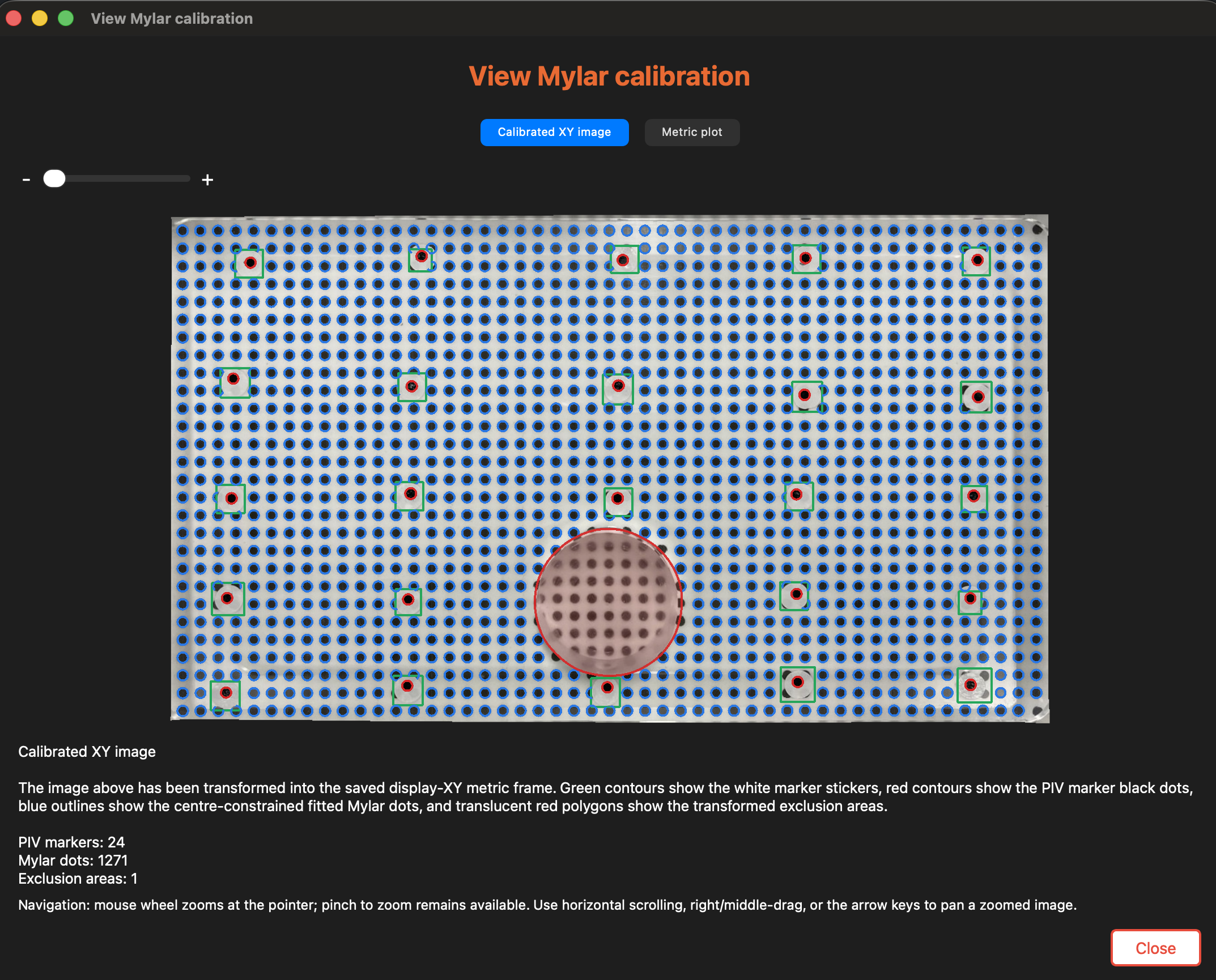
Calibrate your images and define the sequence you want to investigate.
- 02
Track the movement
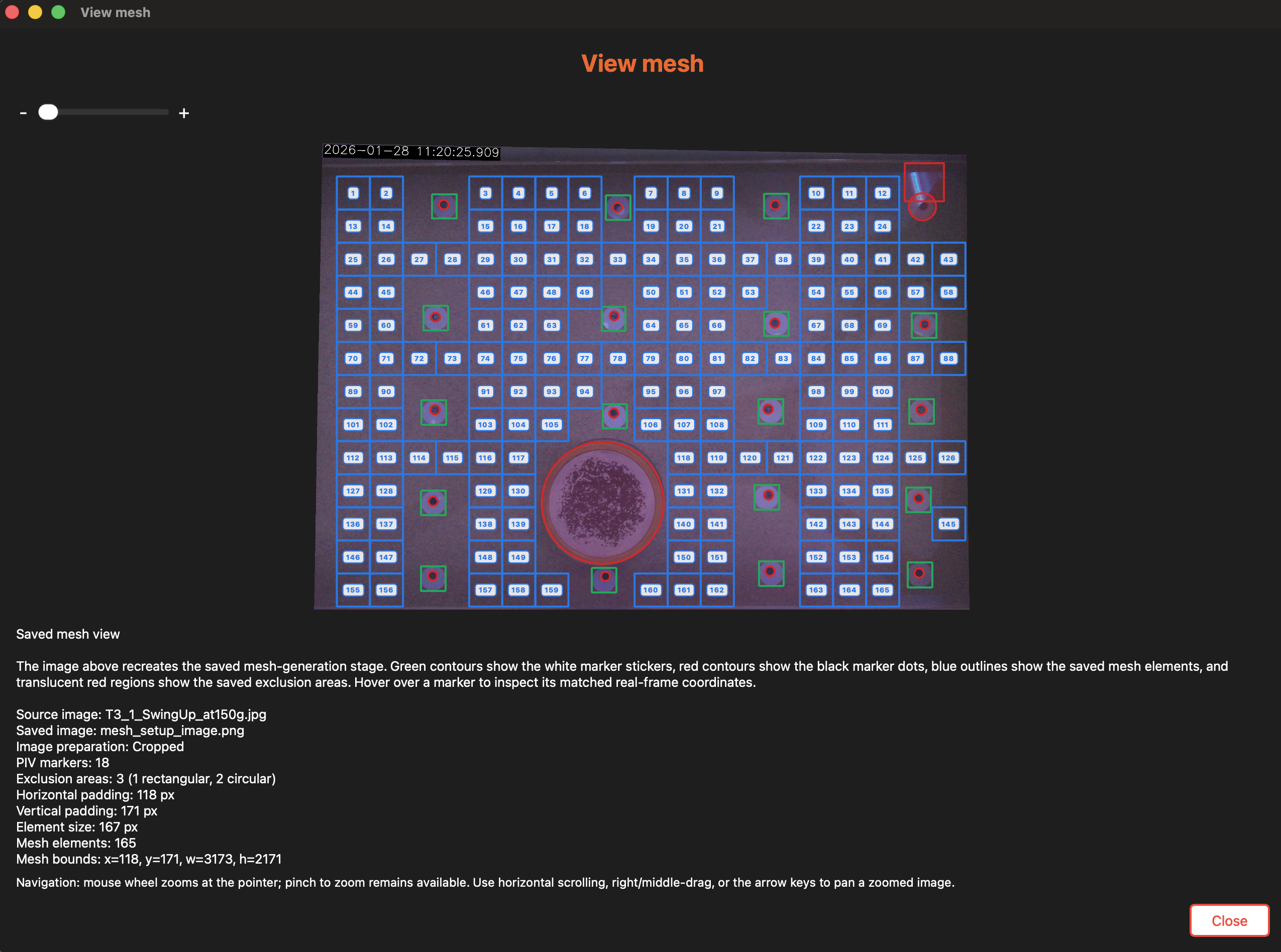
Detect markers, define a measurement mesh and follow changes across frames.
- 03
Explore your results
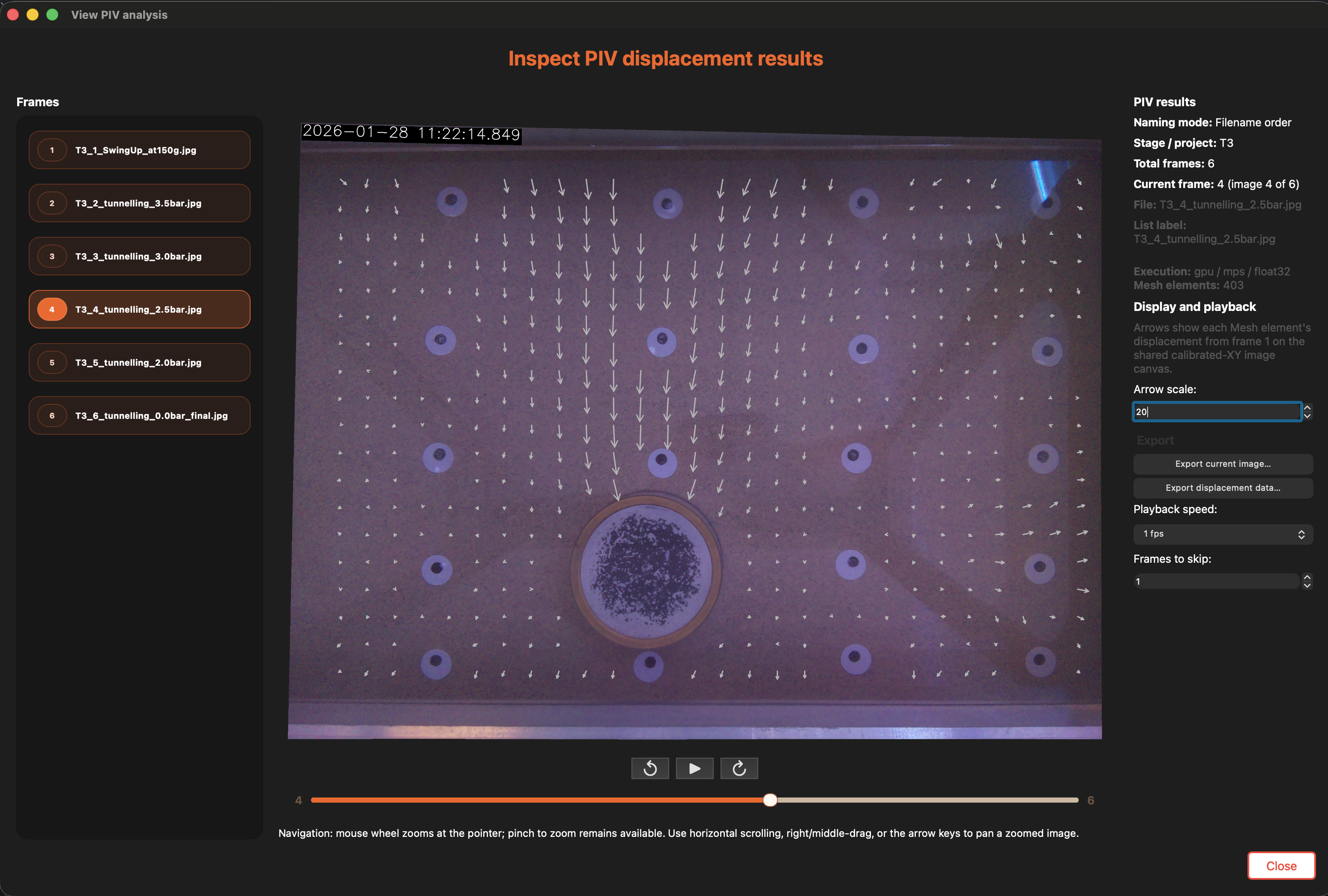
Review displacement and strain, and export images and data for your own analysis. Surface analysis is coming soon.
Built for a closer look.
Work with your own images
Keep image processing on your desktop, with GPU acceleration on supported hardware and a CPU fallback.
Review as you go
Inspect calibration and detections before analysis. Revisit completed stages when your investigation needs another pass.
Make room for discovery
A full year
to explore CamTrack.
Create your account to download CamTrack for Windows or Mac. Your one-year trial starts when you first sign in through CamTrack.
Get startedOne account, Windows and Mac
Use your account on Windows and Mac, with one shared trial.
Designed to work locally
An internet connection is needed for first sign-in and licence checks. Up to ten offline launches are available between successful checks, while your trial remains valid.
A direct line to us
Contact support@camtrack.io for help, or sales@camtrack.io to discuss CamTrack.